Word puzzles are satisfying because of the moment you finally spot a connection that seemed impossible a few minutes earlier. Whether you’re playing NYT Strands, Wordle or Connections, sometimes a small hint is all you need to get moving again.
AI assistants such as ChatGPT and Claude can provide that extra perspective. Instead of searching for the complete solution, players can use chatgpt accounts to explore word associations, understand difficult clues and test possible categories without giving away the answers.
The key is to use AI as a thinking partner, not a shortcut.
1. Understand What Makes Word Puzzles Difficult
Different word games test different skills.
Wordle is largely about deduction. Players use previous guesses, letter positions and eliminated possibilities to narrow down a five-letter word.
Connections requires categorisation. The challenge is finding four words that share a hidden relationship while avoiding convincing but incorrect groupings.
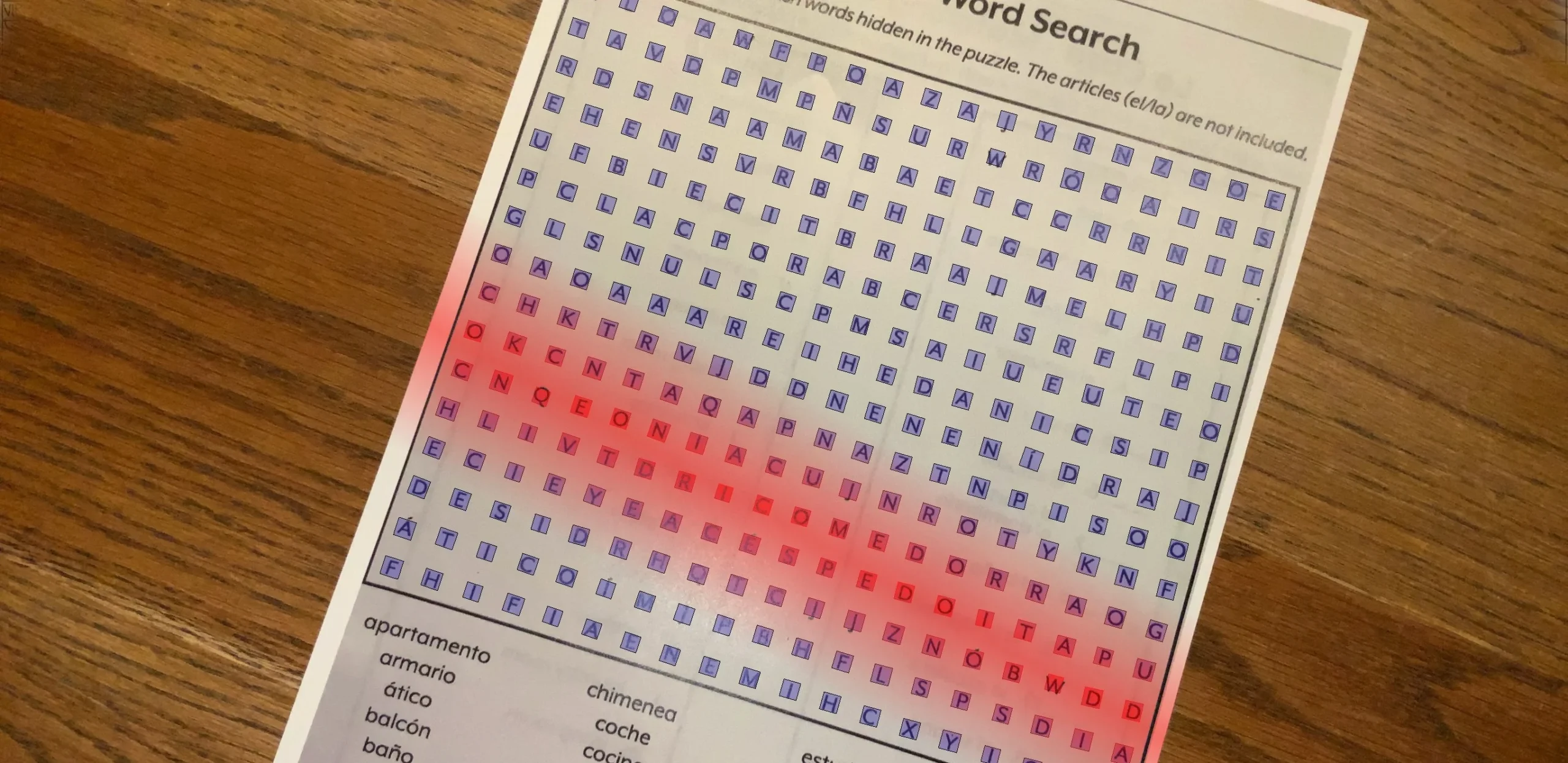
Strands works differently. Players search a letter grid for words connected by a common theme. The Spangram adds another layer by describing the central idea connecting the puzzle’s answers.
These games involve more than vocabulary. They require pattern recognition, flexible thinking and the ability to consider several interpretations before committing to one.
For example, a Connections puzzle might contain Mercury, Venus, Mars and Saturn alongside unrelated words. Recognising the planets is straightforward. A harder puzzle might include words that fit several categories, making the connection less obvious.
This is where AI can help: it offers another perspective when your own thinking gets stuck.
2. Use AI Hints Instead of Asking for the Answer
The most useful way to involve AI in a word puzzle is to control how much information it provides.
A request such as “Solve today’s Strands puzzle” removes most of the challenge. A better prompt asks for one small hint at a time.
Try this:
“Help me solve this word puzzle. Do not reveal the answers or the Spangram. Give me one broad thematic hint, then wait for my next message.”
You can also ask an assistant to:
- Suggest a general category without naming specific answers.
- Explain an unfamiliar word or possible association.
- Identify whether two words could share a relationship.
- Offer another hint only when requested.
- Explain why a particular interpretation might not fit.
For Strands, this approach is especially useful because identifying the theme is often the hardest part. Once you understand the general category, finding the words in the grid becomes easier.
The same method works with Connections. Rather than asking for all four groups, ask for a clue about the relationship between two words you suspect belong together.
3. ChatGPT and Claude: Different Ways to Approach a Puzzle
Both assistants can help with word games, but their usefulness depends on the task and how you phrase your instructions.
ChatGPT: Exploring Possibilities and Word Associations
ChatGPT is useful for brainstorming possible themes, explaining unfamiliar expressions and exploring relationships between words.
Suppose a Strands puzzle seems to involve things found in a kitchen. You could ask ChatGPT to suggest several subcategories, such as utensils, cooking methods, ingredients and appliances.
This gives you a framework for examining the grid without revealing the actual answers.
ChatGPT can also explain why a word might fit one category better than another, which is particularly useful when a puzzle includes words with multiple meanings.
Claude: Working Through Longer Clues and Relationships
Claude is another useful option when a puzzle involves several clues, a long list of candidate words or a more detailed explanation.
Its Projects and Artifacts features can support organised workflows, while file uploads can help when working with longer reference material, depending on the available plan.
For example, you could provide Claude with a list of words you’ve already identified and ask it to suggest possible semantic relationships without selecting the final answers.
If you want to explore different subscription options, U7BUY offers a marketplace where users can compare buy claude account offers, including Pro and Max options. Account types, access periods and seller arrangements vary, so check the individual listing before purchasing.
Neither assistant is guaranteed to solve every puzzle correctly. Word games often rely on unusual associations, wordplay and deliberately ambiguous clues. Human judgement still matters.
4. A Practical Example: Getting Unstuck on a Strands Puzzle
Imagine opening a Strands puzzle and noticing that several words seem connected to movement.
You’ve already found two possible answers, but the remaining letters do not suggest an obvious category.
Rather than searching for the complete solution, try a three-stage approach.
Stage One: Explore the Theme
Ask:
“I’m solving a word-grid puzzle. Some of the words seem connected to movement. Give me five possible subcategories, but don’t suggest specific puzzle answers.”
The assistant might suggest transportation, physical exercise, dance, animal movement and mechanical motion.
You now have several directions to consider.
Stage Two: Understand an Unfamiliar Word
Suppose you find a word that could describe both a dance movement and a mechanical action.
Ask:
“Explain the different meanings of this word and give me examples of contexts where each meaning is used. Don’t connect it to other puzzle words.”
This helps clarify the vocabulary without revealing the solution.
Stage Three: Request a Limited Hint
If you’re still stuck, ask:
“Give me one additional hint about the general theme. Do not reveal any words, their locations or the Spangram.”
You can now return to the grid with a clearer idea of what to look for.
The important thing is that you still make the final connections yourself.
5. Five Prompts Worth Saving for Daily Puzzles
A few carefully written prompts can make AI assistance considerably more useful.
For a gentle Strands hint:
“Give me a subtle hint about today’s Strands theme without revealing any answers or the Spangram.”
For Connections categorisation:
“Help me understand possible relationships between these words. Suggest category ideas, but don’t tell me which four belong together.”
For vocabulary clarification:
“Explain the different meanings of this word and provide examples of everyday usage.”
For a difficult Spangram:
“Explain what a Spangram does in NYT Strands and give me a general strategy for identifying one. Do not reveal today’s answer.”
For reviewing a completed puzzle:
“Here is the solution I found. Explain the connection between each group of words and why the theme works.”
The last prompt is particularly useful. Reviewing a completed puzzle can help you recognise patterns in future games rather than simply remembering yesterday’s answers.
6. Can AI Actually Improve Your Puzzle-Solving Skills?
That depends on how you use it.
There is a meaningful difference between asking AI to generate an answer and using it to improve your reasoning.
If you request the complete solution every morning, you may finish more puzzles, but you lose the opportunity to practise recognising patterns independently.
A better approach is to attempt the puzzle first, request a limited hint when necessary and explain your reasoning before asking the assistant to evaluate it.
You can also keep a short record of the hints that helped you most. After a week, look for recurring patterns. Perhaps you frequently overlook words with multiple meanings, or tend to focus too narrowly on one category.
This kind of reflection can be more valuable than simply increasing the number of puzzles you complete.
7. Choosing an AI Plan for Regular Use
Occasional puzzle hints do not necessarily require a premium subscription. Free access may be sufficient for someone who plays a few games each week.
More frequent users may benefit from additional usage capacity, different models or features for working with longer documents.
When comparing ChatGPT and Claude offers, consider:
- The exact subscription tier and available models.
- Usage limits and additional features.
- Whether access is private, shared or workspace-based.
- Account duration and delivery arrangements.
- Account ownership, recovery options and applicable service terms.
U7BUY lists different ChatGPT options, including Go, Plus and Pro, while its Claude category includes Pro and Max offers. Available products and account arrangements can change, so check the individual listings for current details.
Final Thoughts
ChatGPT and Claude can make word puzzles more interesting by offering alternative interpretations, explaining difficult vocabulary and helping players explore possible categories.
Start with your own reasoning, ask for small hints when needed and use the final explanation to understand how the words fit together. AI should support the challenge, not take it away.